Claude for Construction: 5 Use Cases from Submittals to WIP Reporting
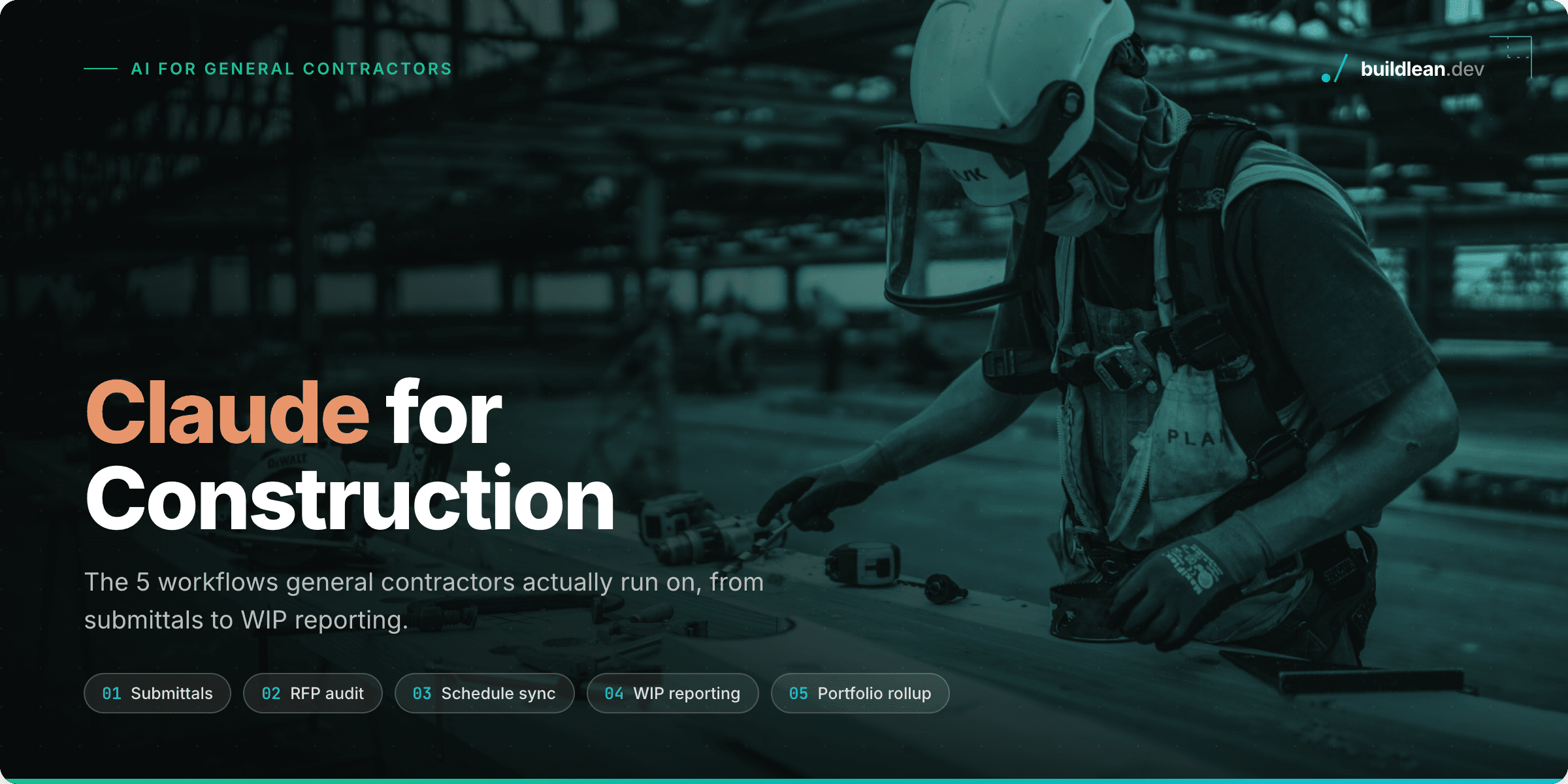
Claude plugs into the tools your teams already live in, Outlook, SharePoint, Gmail, Google Drive, and Excel, and takes over the administrative work that eats project hours. These are the five workflows we run with general contractors, each mapped to the role it helps, the Claude mechanism behind it, and the value it unlocks.
1. Submittal Drafting from Email Threads (PM / Project Engineer)
Connect Claude to Outlook or Gmail, pull the submittal request thread, cross-reference spec sections and product data sheets sitting in a SharePoint or Microsoft 365 folder, and draft the submittal package as a PDF ready for review.
Mechanism: Connectors for Outlook/M365 and SharePoint, plus Cowork for the multi-step retrieval, drafting, and file assembly.
Value unlock: Collapses a 30 to 60 minute manual assembly task, hunting the thread, matching specs, formatting the cover sheet, into a review-and-send. PMs live in their inbox, so the before-and-after is visceral.
2. RFP and Bid Document Audit (Preconstruction)
Feed Claude an incoming RFP or bid package and have it flag ambiguous scope language, missing exhibits, insurance and bonding requirements, and unusual liability clauses, then output an interactive checklist your estimators work off during the go/no-go meeting.
Mechanism: An Artifact for the interactive checklist. No connector required, or layer a Google Drive or SharePoint Connector to grab the RFP automatically.
Value unlock: Precon teams pattern-match against past bids from memory. This makes that pattern-matching explicit and repeatable, and shortens the go/no-go cycle without a full estimator read of every page.
3. Recurring Schedule to Spreadsheet Sync (Super / PM)
Build a Claude Skill that repeats one specific translation task: pull the latest schedule update from P6, MS Project, or Procore and reconcile it against the field-facing Excel tracker your Supers actually use day to day, flagging slippage and conflicts.
Mechanism: A Skill for the repeatable procedure, plus a Procore or scheduling-tool Connector if the data lives there, or just an uploaded export if it does not.
Value unlock: The classic gap: the Super speaks Excel, the PM speaks P6. Automating the sync removes a recurring admin task that is low value but high friction, and it is genuinely repetitive rather than one-off, which is exactly what Skills are for.
4. Live WIP Reporting (PM / Ops)
Pull job cost and billing data from WIP spreadsheets stored in Drive or SharePoint, or from a connected accounting tool, and generate a live reporting artifact: over and under billing, percent complete versus percent billed, cash exposure by job.
Mechanism: A Connector for Drive, SharePoint, or your accounting system, plus an Artifact for the live dashboard, paired with Cowork when it needs to touch multiple files to assemble the picture.
Value unlock: WIP reporting is usually a monthly fire drill someone does by hand in Excel. Regenerating it on demand is a direct time-and-error reduction, and it is the kind of output a PM can screen-share in a job review meeting.
5. Portfolio Risk and Cash Rollup (C-Suite)
Roll up WIP, change order exposure, and schedule health across all active jobs into a single executive summary: the "how is the company doing right now" view, not the job-level detail.
Mechanism: A Connector to your system of record, Procore, accounting, or Drive-stored exports, plus an executive Artifact. Model or schedule data can feed the risk flags through an Autodesk or Procore connection.
Value unlock: Like use cases 2 and 4, this one is less about doing a task faster and more about surfacing visibility ownership doesn't currently have without asking three PMs for updates. That is what turns a nice efficiency tool into "I need this to run the business."
Task Automation vs. Visibility Automation
One pattern worth naming across all five: use cases 1 and 3 are task automation, doing a recurring thing faster. Use cases 2, 4, and 5 are visibility automation, surfacing something that was previously trapped in someone's head or a dozen spreadsheets. The second category is usually the stronger case to ownership, because it is not replacing labor. It is replacing blind spots.
Frequently Asked Questions
Does Claude connect to our existing construction systems?
Claude connects to Microsoft 365, Google Workspace, SharePoint, and Drive out of the box. Tools like Procore connect through custom MCP connectors we build. If a system has an API or can export a file, it can feed these workflows.
Do we need clean data before starting?
No. These workflows read the messy formats your teams already produce: email threads, PDFs, and spreadsheets. Start with one workflow, and clean up data only where it earns its keep.
How fast can a team see results?
All five workflows can produce a working result in a single session with your real documents. Connectors and Skills just need to be set up once, after that, each workflow runs start to finish in one sitting.
Should we buy an off-the-shelf construction AI tool instead?
Sometimes, and we will tell you when. Our approach is buy and build: adopt the tools that fit as-is, and build the thin custom pieces, the skills, connectors, and dashboards, that make everything fit your actual workflows. Here is how we work with construction companies.
We teach teams these exact five workflows in live AI workshops, from $500 for any team size, using your real submittals, RFPs, and WIP files instead of canned examples.
Share this article
Get Started
Let’s talk about your business.
Bring your questions, your current challenges, or an idea you’re exploring. In a free 30-minute call, we’ll discuss what you want to improve and where Build Lean could help.