Before You Buy Any AI Tool: A Data Readiness Checklist for Contractors
The 74% Problem: Why Most Construction AI Fails
The Dodge Construction Network just put a number on something most contractors already feel: 74% of US contractors rate their own data quality as poor or only moderate. That matters, because AI is a high-performance engine that runs on data fuel.
If you feed that engine sludge, it stalls out. Most contractors get excited about the promise of AI. Automated scheduling, instant cost estimation, predictive maintenance. Then they forget the AI can only be as smart as the information it can reach.
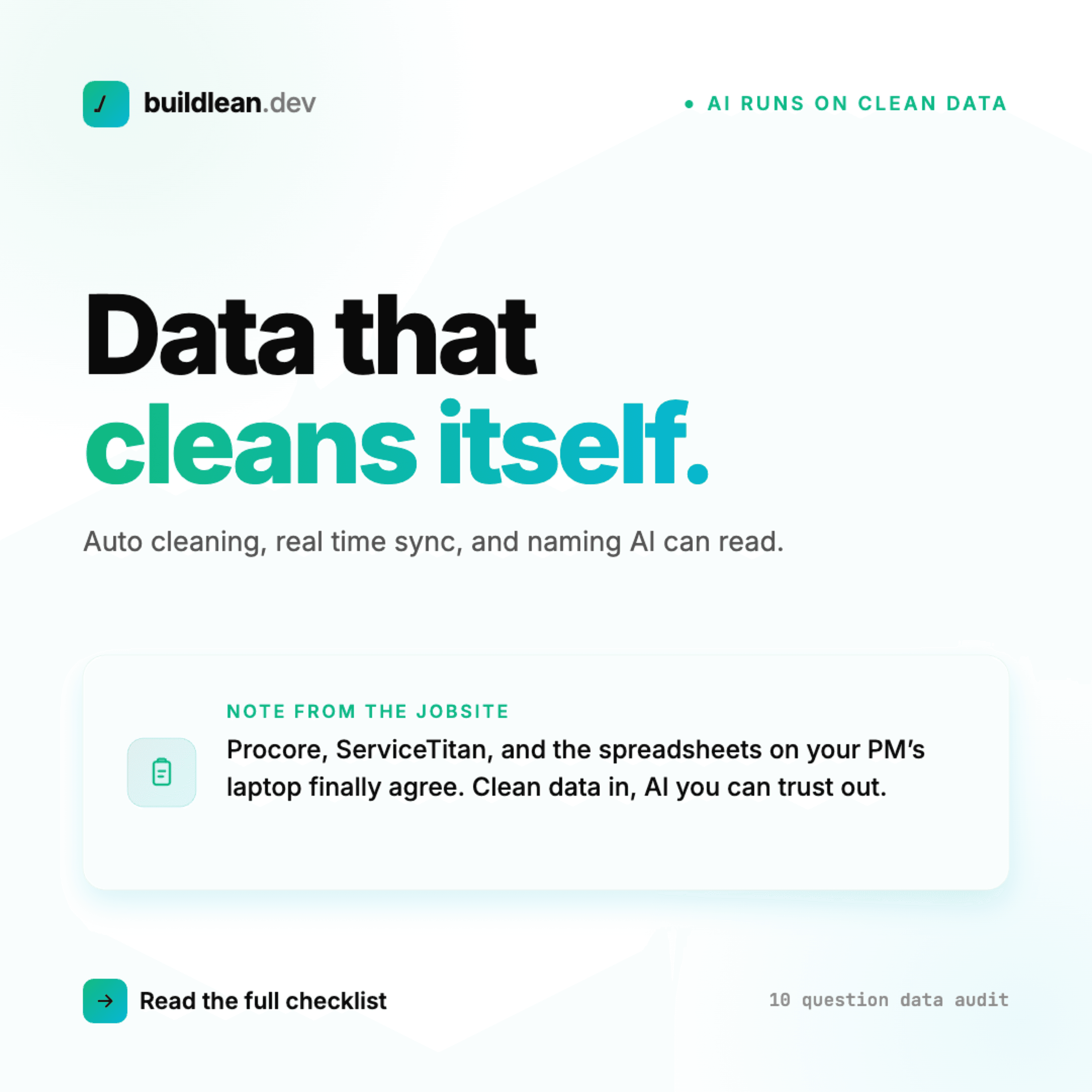
Before you sign a contract for an expensive new AI platform, you need to know if your house is in order. We have put together a 10-question audit to help you figure out if you are ready for AI or if you are about to buy a very expensive paperweight.
1. Is your data stuck in "The Digital Junk Drawer"?
Do you have some files in Procore, others in SharePoint, and a bunch of critical spreadsheets living on your project manager's personal laptop? AI needs a single source of truth to be effective.
If your project data is scattered across five different platforms that do not talk to each other, an AI tool will only see a fraction of the picture. This leads to inaccurate predictions and bad advice from the software.
2. Do Procore and ServiceTitan actually share information?
Most construction companies use a mix of project management and field service tools. If a change order happens in the field, does it automatically update your accounting software and your master schedule?
Without a connection between them, your AI is working off stale information. A change order that never reaches accounting and the master schedule is the kind of gap that becomes a missed invoice or a crew showing up to the wrong scope. Real-time flow between your tools is the baseline requirement for any useful AI.
3. Could a stranger find a 2022 change order in 30 seconds?
Naming conventions are the boring secret to AI success. If your files are named "Final_v2_Fixed_Draft.pdf," no AI model on earth is going to reliably categorize that document correctly.
Standardized naming structures for documents, photos, and invoices allow AI classifiers to do their job. If your filing system requires a "specialist" to navigate it, your data isn't ready for automation.
4. Are your field photos just a pile of pixels?
Contractors take thousands of photos, but they are often just dumped into a folder with names like "IMG_4829.jpg." To an AI, that's just noise.
If those photos are not automatically tagged with the job site, the date, the room, and the phase, you cannot search them, you cannot use them in a dispute, and an AI tool cannot read them. Right now that library of thousands of photos is storage, not an asset.
5. How much "ghost data" is haunting your spreadsheets?
Ghost data is information that exists but is wrong. Old labor rates, discontinued materials, outdated vendor contacts. AI has no common sense to know a price is three years old.
If your master data hasn't been scrubbed in the last six months, an AI tool will help you make bad decisions faster than ever before. You need a "clean-as-you-go" process before you automate.
6. Does your billing talk to your project management?
In many construction offices, the people doing the work and the people sending the invoices are in two different worlds. AI can help bridge this gap, but only if the data structures match.
If your labor codes in the field don't align with your accounting codes in the office, you have a data mismatch that will break most AI models. This is a common pain point we see in the discovery phase of our projects.
7. Are your documents being "auto-cleaned"?
Manual data entry is the enemy of quality. If your team has to manually type data from a PDF invoice into your PM software, they will make mistakes.
Modern data pipelines use classifiers to automatically read, clean, and sync documents from Google Drive or SharePoint directly into your tools. If you are still typing things in by hand, your data is likely too messy for AI.
8. Who actually owns the data entry process?
If everyone is responsible for data, no one is. Without a clear owner for data integrity, your databases will eventually become a swamp of duplicates and errors.
AI requires a consistent stream of high-quality inputs. You need a defined workflow for how data enters your system, who checks it, and how often it is audited for accuracy.
9. Can your tools handle real-time sync?
Many legacy construction tools only update through batch processing, meaning they sync once a day or once a week. AI thrives on what is happening right now.
If your AI is looking at data that is 24 hours old, its scheduling recommendations are already obsolete. You need a data pipeline that moves information the second a change is made on the job site.
10. How long does bad data sit before someone catches it?
Be honest about your feedback loop. When a vendor address changes or a labor rate gets entered wrong, how long does that error live in your system before anyone notices? For most shops the answer is months, or until it causes a problem downstream.
If the answer is anything longer than "same day," your data degrades faster than you fix it. That gap is the difference between an AI tool that compounds your advantage and one that confidently repeats your mistakes.
Why Most "Out-of-the-Box" AI Tools Aren't Enough
The mistake most contractors make is thinking they can buy an AI tool and it will fix their messy data. It is the opposite. You fix the data first, then the AI tool has something real to work with.
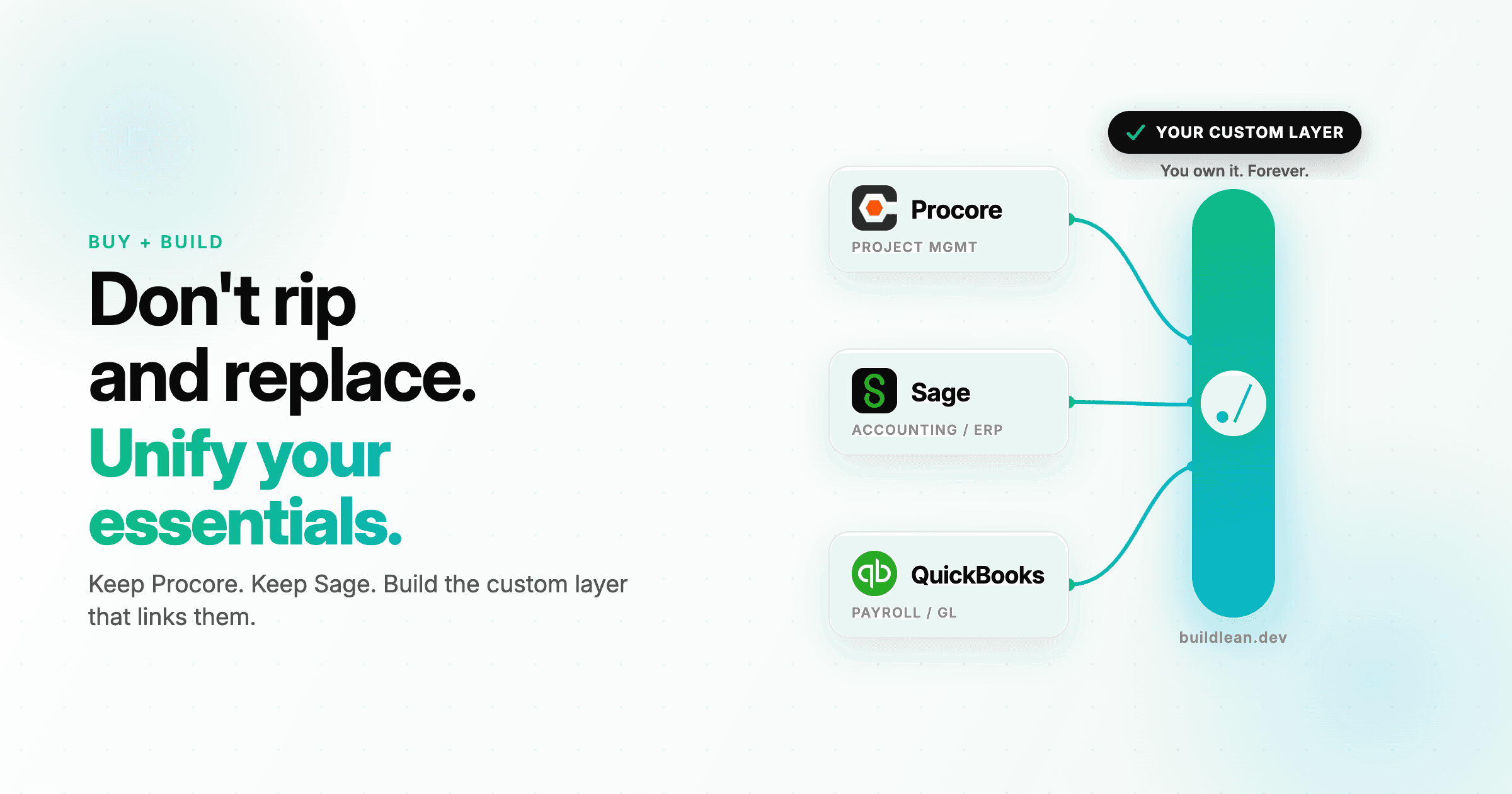
That groundwork is what we build. Connecting Procore to a custom dashboard, setting up document classifiers that clean and sync your files, wiring your field tools to your accounting system. And you own all of it. The code and the cloud project are yours from day one, so you are never locked into another platform or monthly fee you cannot walk away from.
Score yourself on these 10 questions first. When you have your answers, take the next step. Book a free discovery call and let's talk about your project.
Share this article
Get Started
Let’s talk about your business.
Bring your questions, your current challenges, or an idea you’re exploring. In a free 30-minute call, we’ll discuss what you want to improve and where Build Lean could help.