Why Do Construction Teams Enter the Same Data Three Times?
The field team records a change. A project manager enters it into the project management system. Accounting types the job number, description, and approved amount into another system.
Everyone is working on the same project. So why does the information keep starting over?
Your systems may each handle their own job well, while the handoffs between them remain manual.
Your systems may use different records, approval stages, and rules. Unless those differences are connected deliberately, your people become the connection.
Below, we detail out one specific example of duplicate data entry.
The scenario: additional electrical work is documented in the field, priced and approved through project management, then passed to accounting for billing.
1. The Information Starts in a Different Workflow (Field / Project Management)
A foreman records additional electrical work in a field app: the job, location, labor, materials, photos, and customer acknowledgment.
The project manager needs that information to prepare a change request. But the field ticket lives in a separate tool, so someone downloads a PDF, emails it, and recreates the details in project management.
This often happens because tools were adopted at different times to solve different problems. The field needed quick documentation. Project management needed cost tracking and approvals. Accounting needed financial records.
The missing piece is the handoff between those purposes.
Mechanism: Check whether your existing software can route the field record into the change workflow, with its attachments and project reference.
Value: The PM starts with information already captured and spends time reviewing scope and pricing instead of rebuilding the record.
2. The Systems Do Not Recognize the Same Job (Project Management / Accounting)
The field ticket calls the project “Main Street.” Project management calls it “Main Street Renovation.” Accounting identifies it as “Job 24-018.”
A person knows those are the same project. Software needs an explicit match.
The same problem appears with vendors, cost codes, contract numbers, and change references. Even when two systems can exchange information, they may organize it differently.
In our example, the PM prices the electrical change at $4,800. Accounting still needs to know which customer, job, contract, and billing category that amount belongs to.
Without those relationships, someone must translate the information manually.
Mechanism: Match project identifiers and required fields between systems. Decide which system maintains each shared detail, such as the official job number.
Value: Information reaches the correct record, with missing or unmatched details flagged for review.
3. “Approved” Means Different Things at Different Stages (PM / Accounting)
The field ticket has a signature. That may acknowledge the work performed without approving the final price.
The PM reviews the supporting information, prepares the $4,800 change request, and obtains the required customer approval. Now accounting needs the approved amount and documentation.
Those are separate events.
If the connection treats every signed field ticket as ready for billing, information moves too early. If it never recognizes the final approval, accounting waits for an email and enters everything again.
The handoff needs a specific trigger: which approval, given by whom, makes this record ready for accounting review?
Mechanism: Define the approval that releases the change, the information required, and the accounting review that follows.
Value: Approved information moves forward while the team retains control over what enters financial records.
4. The Available Connection May Only Cover Part of the Work (Operations / IT)
“We already have an integration” does not necessarily mean this change-order handoff is covered.
A connector might transfer vendors and job costs while leaving change orders untouched. It might move information in one direction, run on a schedule, or require a particular subscription and permission setup.
There are three practical ways to address the gap.
Configuration: the capability already exists
Start here when your software already supports the needed forms, approvals, shared records, or exports.
For our electrical change, the fix might be enabling an existing approval workflow, standardizing job fields, or giving the right person access to the accounting export.
An existing connector: the handoff is supported
Use an existing connector when it supports the specific records, fields, direction, and approval behavior you need.
Test the complete journey with a real example. Confirm that the approved amount reaches the correct job and that missing information produces a visible exception.
Custom integration: a meaningful gap remains
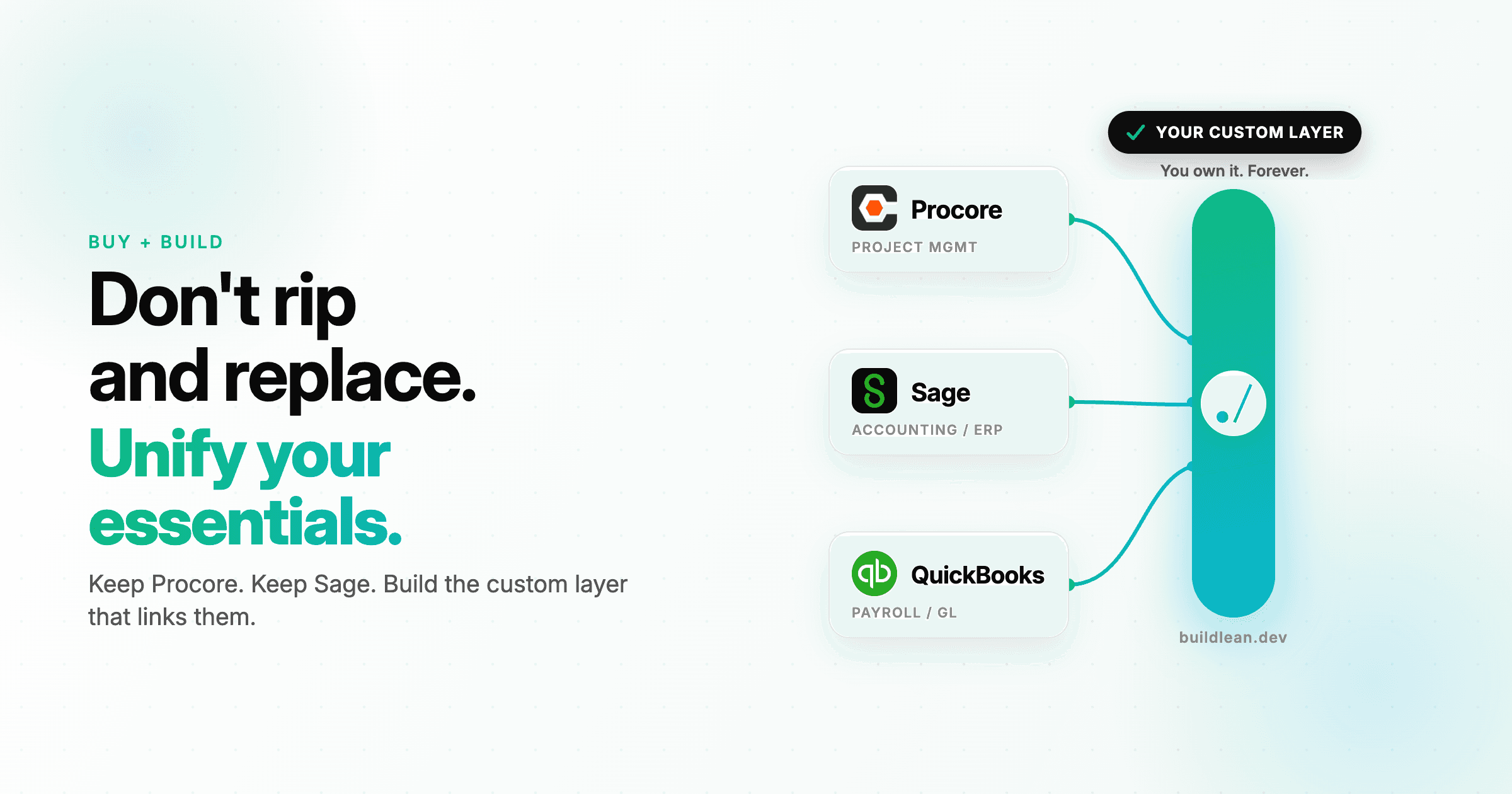
Custom software development for construction can start with a focused connection between existing tools when available integrations cannot handle a necessary part of your process. For this change-order workflow, that might mean matching project records, checking approval status, translating cost codes, and preparing the approved information for accounting review.
The systems must still provide suitable access through an API, supported import, or another workable method. Custom development cannot bypass unavailable data or permissions.
Mechanism: Match the actual handoff against existing capabilities before deciding what to build.
Value: You invest in the missing connection with a clear reason for choosing it.
5. Changes and Failures Still Need an Owner (Operations / Accounting)
Moving the $4,800 change once is only part of the work.
What happens if the export fails? If someone retries it, could accounting receive a duplicate? If the approved change is later revised, who handles the correction?
Without clear answers, teams keep checking several systems and maintaining backup spreadsheets.
A dependable handoff needs a visible status, a reference connecting the records, and someone responsible for exceptions. Corrections should follow the agreed process, especially after financial records have been posted.
Mechanism: Track successful transfers, flag failures, prevent duplicate creation, and define how revisions are reviewed.
Value: The team can see what reached accounting and what still needs attention.
Connect the Handoff Before Adding Another System
Repeated entry often fills a gap in data matching, approval rules, supported connections, or responsibility.
For the electrical change, a connected workflow would preserve the field documentation, carry it into PM review, and pass the approved information into the appropriate accounting process. Each team adds its own decisions without recreating the same project details.
That is the practical goal: information moves with the work, and people review what matters.
Frequently Asked Questions (FAQs)
Do we need to replace our existing software?
Not necessarily. Usually, you can keep the tools that work and improve the connections between them. Start by checking configuration and existing integrations against one specific workflow.
Does everything need to sync in real time?
No. Set the timing around when the next person needs the information. An approved change might need a prompt handoff, while a management report may only need a daily refresh.
Where should we start?
Trace one recent change from the field through approval and accounting. Mark every place someone retyped information, changed an identifier, or chased a status. Those points show what needs attention.
Build Lean develops custom construction software around the tools and workflows your team already uses. Book a call to walk through one handoff and identify whether configuration, an existing connector, or custom integration makes sense.
Share this article
Get Started
Let’s talk about your business.
Bring your questions, your current challenges, or an idea you’re exploring. In a free 30-minute call, we’ll discuss what you want to improve and where Build Lean could help.